
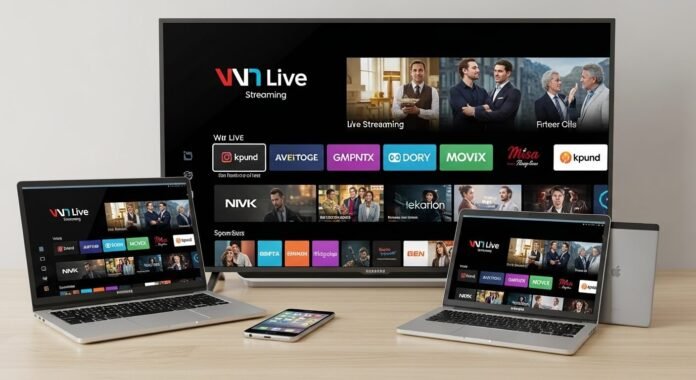
Alright look, I’ve been wrestling with how to access live streaming services on any device longer than I care to admit. Cut the cable around late 2018 thinking “freedom at last” and instead I just traded one set of headaches for another. I’m sitting here in my average US apartment—WiFi is okay unless it’s peak hours then it’s like everyone in the building decided to watch 4K at once. Devices are a random collection: kinda old Samsung smart TV, my iPhone that’s on its last legs battery-wise, work laptop I’m scared to update in case it bricks, and this iPad from like 2015 that still works somehow.
I’ve done so many stupid things—double-subscribed to the same service because I forgot the login, screamed at the Roku because the app wouldn’t recognize my password (turns out caps lock was on), missed the end of a playoff game because casting crapped out. Embarrassing? Yes. But I finally have something that mostly works without daily rage. Here’s the honest, slightly messy version of what I do.
Why even care about jumping between devices?
Streaming isn’t just binge-watching shows at 2 a.m. anymore. For me it’s Sunday football I can’t miss, local channels when tornado warnings pop up (happened twice last spring—scary), or that one-off live concert my friend told me about five minutes before it started.
Last October I was at my sister’s place for a barbecue, phone at 8%, trying to get the game on YouTube TV. Everyone else was watching on her giant TV but I wanted to keep score How to Access Live Streaming while flipping burgers. Total disaster until I figured out screen mirroring. If you can’t seamlessly go from living-room TV → kitchen phone → bedroom tablet without re-logging in or getting kicked off, it sucks. Most big services (YouTube TV, Hulu Live, Sling, Fubo) support multiple devices now but the fine print and menus hide a lot.
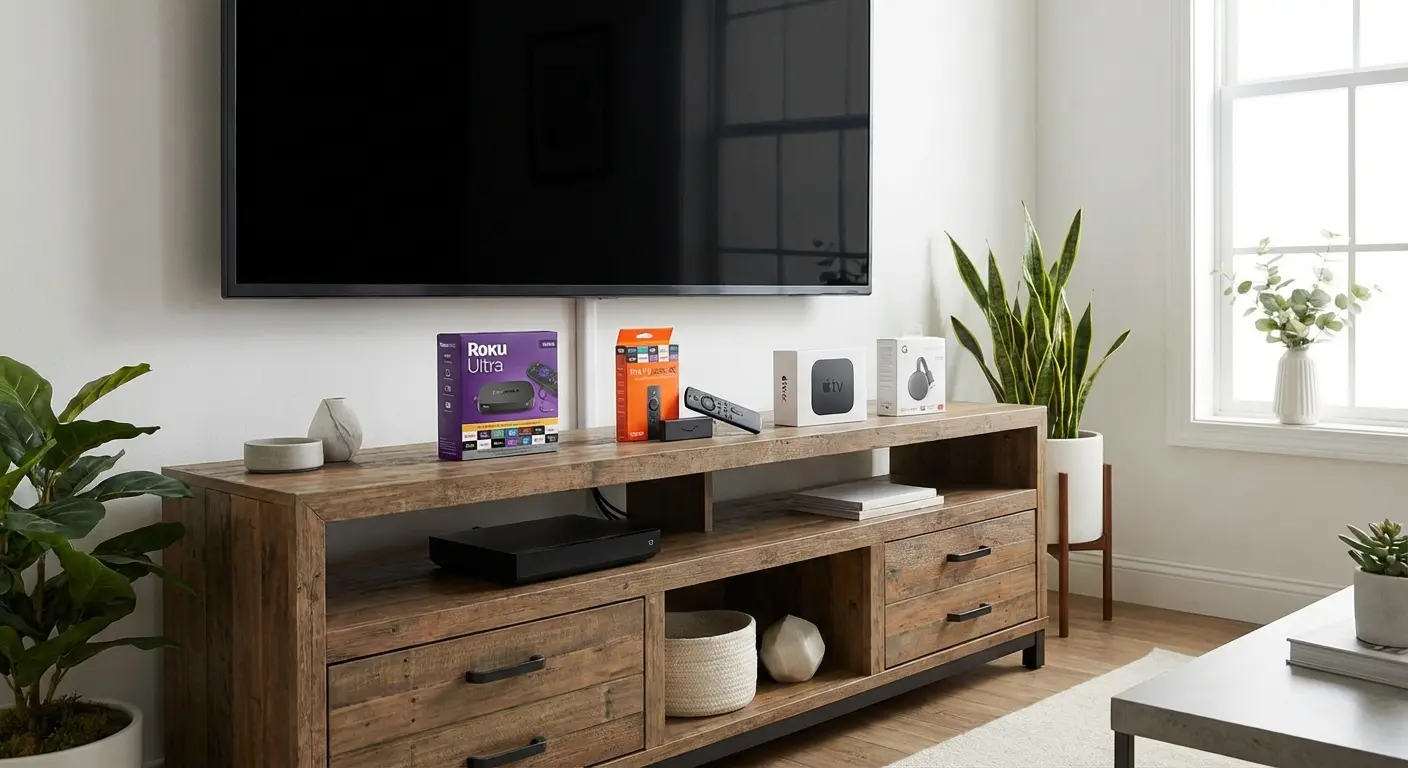
This is basically my chaotic coffee table setup most weekends—streaming sticks, remotes everywhere, and yeah, snacks mandatory.
Picking services without going broke (lesson learned)
I used to have like five subscriptions—YouTube TV, Hulu + Live, Peacock, Paramount+, even tried Philo for a month. Bill was ridiculous. Now I stick to basically two: YouTube TV most of the time (unlimited cloud DVR is clutch) and sometimes Paramount+ when I need CBS stuff.
Almost all of them let one account work across devices but they have stream limits. YouTube TV base plan is three at once; I pay the extra $10 or whatever for unlimited in-home. Hulu depends on your tier.
My biggest rookie mistake: not reading the device list before signing up. My 2017 TV refused to run one of the newer apps so I ended up buying a $35 Roku Express. Best thirty-five bucks I spent all year.
If you wanna compare what’s out there right now, I always peek at the official YouTube TV support site or CNET’s live TV streaming roundup—they’re usually pretty straight with pros/cons.
How I actually get it running on everything
Here’s the day-to-day reality—no perfect step-by-step because nothing is ever perfect.
On the TV Open the app store (Roku Channel Store in my case), search the service, install, then sign in. The QR code login where you scan from your phone is way faster than pecking letters with the remote. I once typed my password wrong six times and it temporarily locked the account—felt so dumb.
Phone or tablet Download from App Store / Play Store, log in, done. Casting to the TV is usually smooth unless both devices aren’t on the same WiFi (learned that one at a buddy’s house—super awkward explaining why nothing was working).
Laptop Just go to the website in Chrome or whatever (tv.youtube.com, hulu.com/live, etc.). No download needed. Great for when corporate IT blocks app installs on my work machine.
Quick fixes I’ve had to Google at 2 a.m.:
- App crashing? Force close and clear cache.
- Still broken? Check for app & system updates—old software loves to break logins.
- Casting not connecting? Same WiFi network is non-negotiable.
- Buffering hell? Router restart. Happens way too often in my building.
The dumb things I still do sometimes
- Signed into the family-shared YouTube TV on my phone during a game → accidentally booted my dad off his TV. Whoops.
- Left myself logged in at an Airbnb last summer → kept getting “stream limit reached” errors for weeks until I remembered to remote sign-out.
- Tried using a VPN once to get out-of-market sports → local channels disappeared. Turn VPN off for live TV unless you know what you’re doing.

So yeah… how to access live streaming services on any device is mostly just persistence plus a couple dumb lessons. I still curse at my TV occasionally when an update breaks something, but overall I can start watching on the big screen, pause, grab my phone to finish in the kitchen, then hop to the tablet in bed—no big deal anymore.
If you’re just starting, pick one service, get comfy with it on two devices first, then expand. Way less stress that way.
Anyone else have a streaming horror story or a random trick that saved them? Seriously comment—I read every one. And if this post saved you even ten minutes of frustration, go try logging into whatever service you’re curious about right now. You’ll get there.