
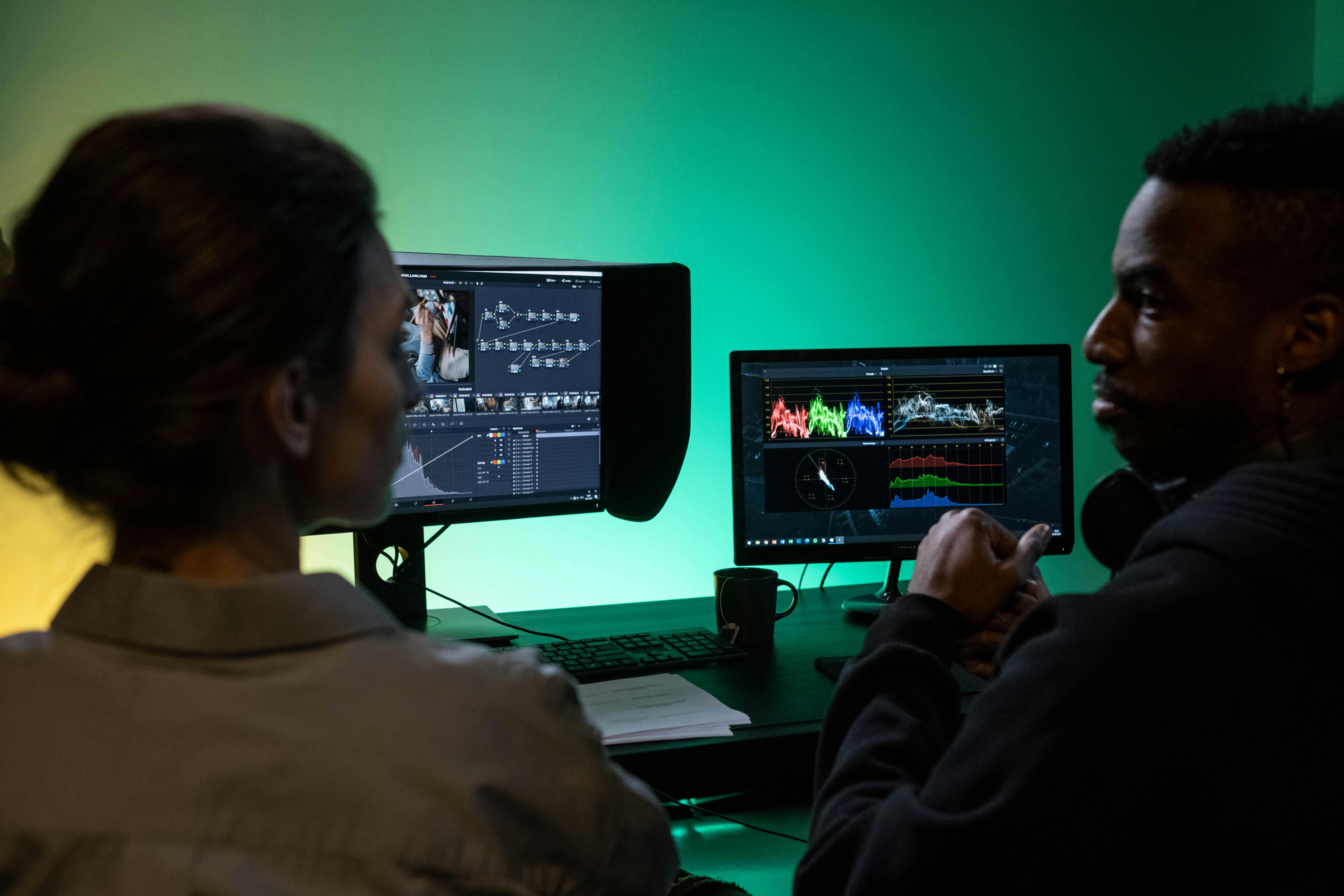
Discover the game-changing AI video editing software of 2026 that's revolutionizing workflows, boosting productivity, and empowering creators to achieve cinematic results faster than ever. Compare the best AI editing tools, understand their money-saving features, and choose the perfect platform to elevate your post-production.
Introduction to the Topic
Welcome to 2026, where the video content landscape is more vibrant and demanding than ever before. From viral social media shorts to cinematic brand narratives, the appetite for high-quality, engaging video is insatiable. But with this explosion comes an unprecedented pressure on video editors: deliver more, faster, and with unparalleled quality. Enter Artificial Intelligence (AI) – not just a buzzword, but the indispensable co-pilot transforming every facet of video post-production. AI-powered video editing software is no longer a futuristic concept; it's the present reality, promising to streamline complex tasks, unlock new creative possibilities, and drastically cut down production times. This isn't about replacing human creativity, but augmenting it, making professional-grade video editing accessible and efficient for everyone from independent creators to large studios. Are you ready to harness the power of AI and future-proof your video editing workflow?
Backgrounds & Facts
The journey of AI in video editing has evolved exponentially. A decade ago, AI's role was largely confined to rudimentary automation tasks like basic object tracking or scene detection. Fast forward to 2026, and the capabilities are astonishing. Today's AI video editors are sophisticated machines capable of understanding context, generating complex visual effects, enhancing audio quality, and even drafting initial cuts based on script analysis. The market for AI-driven creative tools has surged, with analysts predicting a compound annual growth rate exceeding 30% through the late 2020s, driven by advancements in machine learning, neural networks, and generative AI models. This growth is fueled by a demand for efficiency: businesses need to produce more video content to stay competitive, and creators are constantly seeking ways to maximize their output without compromising artistic vision or quality.
Key advancements in 2026 include:
- Generative AI for Assets: AI can now create custom stock footage, generate motion graphics, or even design entire virtual sets from text prompts, saving countless hours and licensing fees.
- Intelligent Automation: Beyond simple cuts, AI can automatically color grade footage to match a reference, remove unwanted objects or backgrounds with a single click, stabilize shaky footage perfectly, and even compose soundtracks tailored to your video's mood and pacing.
- Smart Transcription & Subtitling: Highly accurate, multi-language transcription and automatic subtitle generation are standard, often with speaker identification and sentiment analysis.
- Predictive Editing: Some advanced AI systems can learn an editor's style and suggest optimal cuts, transitions, or even B-roll footage, accelerating the creative process.
Despite these incredible leaps, challenges remain. Ethical considerations around deepfakes and authentic content are paramount, leading to the integration of AI detection tools and content provenance tracking. Data privacy and the significant computational resources required for advanced AI tasks are also ongoing discussions. However, the overall consensus is clear: AI is not just a feature; it's the core engine driving the next generation of video editing.
Expert Opinion / Analysis
We sat down with Dr. Evelyn Reed, a leading expert in computational creativity and CEO of "Neural Film Labs," to get her perspective on the current state of AI in video editing. "By 2026, the term 'video editor' has subtly shifted," Dr. Reed explains. "No longer are we just manipulators of footage; we've become more like creative directors, guiding sophisticated AI co-pilots. The laborious, repetitive tasks that once consumed hours are now handled by algorithms, freeing up human editors to focus on storytelling, artistic nuance, and strategic decision-making. This paradigm shift means that an editor's value now lies less in their ability to perform manual tasks and more in their vision, their critical eye, and their capacity to prompt and refine AI outputs effectively."
Dr. Reed emphasizes the democratization of high-end post-production. "Small production houses and freelance creators can now achieve results that were once only possible with large teams and exorbitant budgets. AI levels the playing field, making professional-grade VFX, sophisticated color work, and pristine audio accessible. This is a massive boon for content velocity and creative diversity. However, it also places a greater responsibility on editors to understand the ethical implications of the tools they use, particularly with generative AI, ensuring authenticity and avoiding misuse."
The key takeaway from experts like Dr. Reed is that while AI offers unprecedented power, the human element remains irreplaceable. "The best AI tools are those that enhance human creativity, not diminish it. Editors who embrace AI as an assistant, rather than a replacement, will be the ones leading the charge in this new era of digital storytelling."
💰 Best Options in Comparison (VERY IMPORTANT)
Choosing the right AI video editor in 2026 can feel overwhelming, given the sheer number of innovative solutions available. We've narrowed down the top contenders that offer robust AI features, cater to different professional needs, and provide excellent value for money. Whether you're a seasoned professional, a growing freelancer, or a social media guru, there's an AI tool ready to supercharge your workflow.
-
Adobe Premiere Pro (with Sensei AI)
Adobe's flagship NLE remains a powerhouse, with its integrated Sensei AI engine continually evolving. In 2026, Premiere Pro's AI capabilities are deeply embedded, offering features like advanced auto-reframe for different aspect ratios, intelligent audio ducking for music, scene edit detection for quick cuts, and powerful speech-to-text for captions. New for 2026 is "Generative Scene Expansion," allowing users to extend backgrounds or generate missing frames with remarkable realism, and "Dynamic Color Match" which uses AI to instantly apply complex color grades from reference images or even other clips within your project. It's the industry standard for professional video editing, now supercharged with AI for unparalleled efficiency.
- Pros: Industry-standard compatibility, vast ecosystem integration (After Effects, Audition), comprehensive AI features, robust for complex projects.
- Cons: Subscription-only model can be costly, higher learning curve for beginners, resource-intensive.
- Target User: Professional editors, production studios, advanced freelancers.
- Pricing: Adobe Creative Cloud subscription (typically $50-$80/month for all apps, or $20-$30/month for single app).
-
DaVinci Resolve Studio (with DaVinci Neural Engine)
Blackmagic Design's DaVinci Resolve, particularly the Studio version, has become a formidable competitor, offering an incredibly powerful suite for editing, color grading, VFX, and audio post-production. Its DaVinci Neural Engine is a marvel, providing AI features such as Magic Mask for precise object isolation, intelligent face refinement, speed warp for incredibly smooth slow motion, and "AI Upscale" for enhancing lower-resolution footage. New in 2026 is "Generative VFX Assistant," allowing users to prompt complex visual effects directly within the Fusion page, and "Audio Restoration AI" which can intelligently remove noise, reverb, and other imperfections from dialogue with unprecedented accuracy. The free version offers substantial AI features, making it an excellent entry point.
- Pros: Unmatched color grading capabilities, comprehensive toolset, powerful free version, one-time purchase for Studio.
- Cons: Steep learning curve for the full suite, can be hardware demanding, less third-party plugin support than Adobe.
- Target User: Colorists, cinematographers, independent filmmakers, professionals seeking a powerful all-in-one solution.
- Pricing: Free version available; Studio version is a one-time purchase of $295.
-
CapCut (AI-Powered Mobile & Desktop)
Initially a mobile sensation, CapCut has matured into a powerful, AI-enhanced desktop application, perfect for social media creators, vloggers, and anyone needing quick, high-quality edits. Its AI features are designed for speed and virality, including auto-captions, background removal, text-to-speech, and "AI Stylization" that can apply artistic filters or transform footage into different animation styles. For 2026, CapCut introduces "Smart Auto-Cut," which intelligently edits footage to a chosen audio track's beat and mood, and "Generative B-Roll," allowing users to quickly generate relevant stock footage snippets based on their script or theme. It’s incredibly intuitive and constantly updated with trending features.
- Pros: Extremely user-friendly, excellent for social media content, robust free tier, constantly updated with trending AI features.
- Cons: Less suited for complex, long-form narrative projects, professional output might not match Adobe/Resolve.
- Target User: Social media influencers, content creators, vloggers, small business owners.
- Pricing: Free with in-app purchases; CapCut Pro subscription available for advanced features ($7.99/month or $74.99/year).
-
RunwayML (Generative AI for Video)
RunwayML isn't a traditional NLE but a revolutionary cloud-based platform focused purely on generative AI for video. It's designed for creators who want to push the boundaries of what's possible, offering features like text-to-video generation (Gen-2), image-to-video, inpainting/outpainting for object removal/addition, and rotoscoping with incredible ease. In 2026, RunwayML's Gen-3 model can produce hyper-realistic, high-definition video clips from natural language prompts, complete with dynamic camera movements and consistent character generation. It's an essential tool for VFX artists, experimental filmmakers, and anyone looking to create entirely new visual content from scratch without traditional filming. It integrates seamlessly with other NLEs for final assembly.
- Pros: Cutting-edge generative AI, incredibly powerful for creating new visual assets, cloud-based and accessible, intuitive interface.
- Cons: Not a full-fledged NLE, subscription can be expensive for high usage, requires a good internet connection.
- Target User: VFX artists, motion designers, experimental filmmakers, creators leveraging generative AI.
- Pricing: Free tier with limited generations; various paid plans from $15/month to $100+/month based on usage and features.
| Feature | Adobe Premiere Pro | DaVinci Resolve Studio | CapCut | RunwayML |
|---|---|---|---|---|
| Core AI Focus | Workflow automation, intelligent editing, generative extensions | Image/audio enhancement, advanced VFX, smart tracking | Social media virality, quick edits, asset generation | Pure generative video, text-to-video, object manipulation |
| Key AI Features (2026) | Generative Scene Expansion, Dynamic Color Match, Auto Reframe, Speech-to-Text | Generative VFX Assistant, Audio Restoration AI, Magic Mask, AI Upscale | Smart Auto-Cut, Generative B-Roll, Auto-Captions, AI Stylization | Gen-3 Text-to-Video, Image-to-Video, Inpainting, Rotoscoping |
| Target User | Professional Editors, Studios | Colorists, Filmmakers, Advanced Users | Social Media Creators, Vloggers | VFX Artists, Innovators, Generative Artists |
| Pricing Model | Subscription (Creative Cloud) | Free/One-time Purchase | Free/Subscription (Pro) | Free/Subscription (usage-based) |
| Learning Curve | Medium to High | High | Low | Medium |
| Collaboration Features | Excellent (Team Projects, Cloud) | Good (Project Servers, Cloud) | Basic (Cloud Sync) | Limited (Export/Import) |
| Platform | Desktop (Win/Mac), Cloud | Desktop (Win/Mac/Linux) | Mobile, Desktop (Win/Mac), Web | Web-based (Cloud) |
Outlook & Trends
The future of AI in video editing promises even more profound integration and innovation. By the late 2020s, we anticipate several key trends:
- Real-time AI Editing: Imagine editing 8K footage with complex effects and color grades, all rendered in real-time by AI on cloud-based servers, eliminating rendering times entirely.
- Hyper-Personalized Content at Scale: AI will enable creators to generate multiple versions of a single video, tailored to individual viewer preferences, demographics, or even emotional responses, pushing the boundaries of audience engagement.
- Spatial Computing & Immersive Editing: With the rise of advanced XR headsets, AI will facilitate intuitive, gesture-based editing within 3D immersive environments, revolutionizing how we interact with our projects.
- Ethical AI & Authenticity Tools: As generative AI becomes more sophisticated, so too will the tools designed to detect AI-generated content, verify authenticity, and ensure responsible creation.
- Voice & Thought-Controlled Editing: Advanced neural interfaces could allow editors to command AI with their thoughts or complex voice instructions, making the creative process even more fluid and intuitive.
The role of the editor will continue to evolve, shifting towards being a 'prompt engineer' and creative director, orchestrating AI tools to bring their vision to life with unprecedented speed and scale. Staying abreast of these trends will be crucial for any professional in the field.
Conclusion
The year 2026 marks a pivotal moment in video editing, with AI transitioning from a novel feature to an indispensable core component of every professional workflow. The tools highlighted above – Adobe Premiere Pro, DaVinci Resolve Studio, CapCut, and RunwayML – represent the vanguard of this revolution, each offering unique strengths for diverse creative needs. Embracing AI isn't just about efficiency; it's about unlocking new creative horizons, democratizing high-end production, and future-proofing your skills in an increasingly competitive landscape. Evaluate your specific needs, compare the robust AI features and pricing models, and invest in the platform that will empower you to tell your stories with unparalleled speed, precision, and artistic flair. The future of video editing is here, and it's powered by AI. Don't just keep up – lead the charge. Start your free trials and explore these incredible AI video editors today!