

Okay real talk. Streaming is supposed to be the easy part of life. I legit threw a pillow at the TV. My dog looked at me like I’d lost it. Took me way too long to figure out it wasn’t “the internet being trash,” it was mostly me being lazy about setup. So yeah, here’s the stuff I actually do now when slow streaming hits, in the order I usually try them because I’m impatient.
First Things I Do When It Starts Buffering (Like 2 Minutes Max)
- Restart the modem/router combo thing. Unplug it, count to 60 like they say (I usually do like 45 because who has time), plug back in. Wait for the lights to chill out. Works stupid often.
- Force the app to lower quality. On Netflix I go Playback settings → Data usage per screen → Medium or Low. Feels like cheating but at least the game keeps moving.
- Check what’s eating my bandwidth. Pause the dishwasher (yes the smart one uses internet), kick the kids off YouTube, stop my work laptop from syncing 47 GB of Dropbox crap.
I spent like a month blaming Spectrum before realizing the Ring doorbell camera was uploading 4K motion clips 24/7. Who knew?
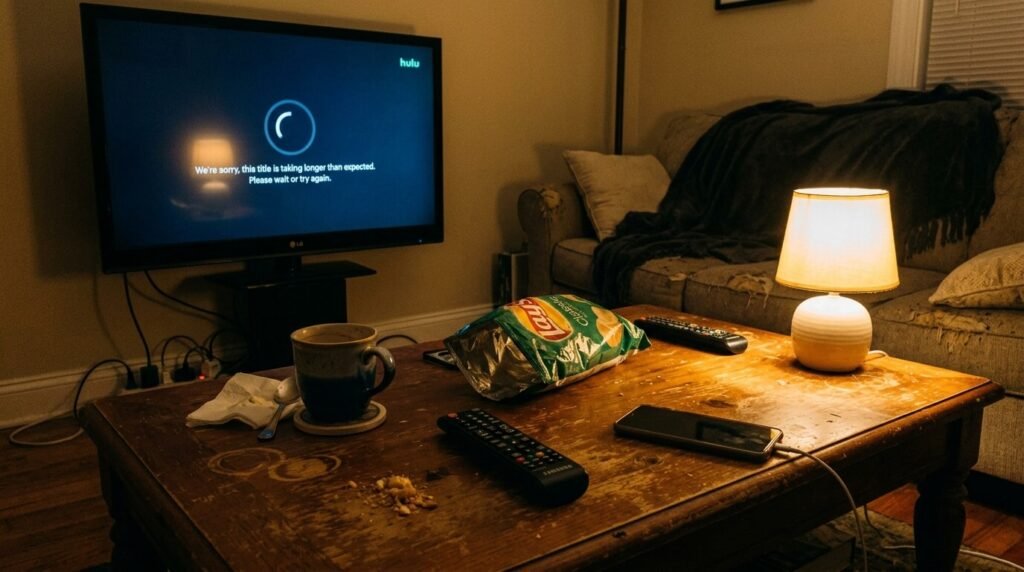
Router & Wi-Fi Stuff I Finally Fixed (Should’ve Done This in 2022)
Router was in the corner behind the entertainment center because “aesthetics.” Signal had to fight through drywall, couch, and sheer bad luck. Moved it to eye level on a floating shelf in the hallway—open space, no furniture blocking. Night and day difference.
Other things that helped more than they should:
- Use 5GHz when I’m close to the router (faster but doesn’t go through walls as good).
- Run an Ethernet cable under the rug to the TV. Ugly? Yes. Buffering during playoffs? No more.
- Turn off like half my smart bulbs and the Google Nest stuff when watching something important. They really do add up.
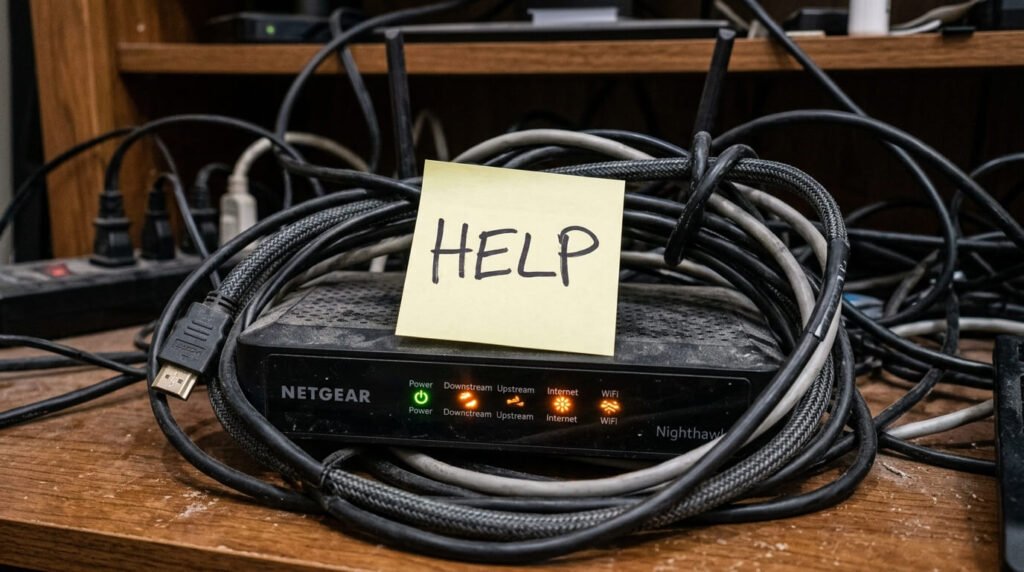
App & Device Tricks I’ve Picked Up the Hard Way
- Clear cache on the Roku/Fire Stick/TV app. Settings > Apps > [whatever streaming service] > Clear cache (not data—don’t want to log in again). Fixes glitchy updates.
- Update the streaming device firmware. Those auto-updates sometimes sit there for months and then randomly fix everything.
- Restart the actual streaming box every few days. I set a stupid reminder on my phone because otherwise I forget until it’s too late.
Places I Check When I’m Still Mad
Quick speed test on fast.com (Netflix made it so it’s honest about streaming). If it’s decent but still buffering, these links actually helped me:
- Netflix connection troubleshooting: https://help.netflix.com/en/node/86
- Roku buffering fixes: https://support.roku.com/article/208754908
- Wirecutter Wi-Fi tips for streaming: https://www.nytimes.com/wirecutter/blog/how-to-fix-buffering/
Look, my streaming isn’t perfect. Neighborhood can still have outages, I still occasionally shove the router back in a bad spot because I’m reorganizing, whatever. But these little habits mean I finish way more shows and games without wa