

Look, I’m not gonna pretend I’m some networking genius. I’m just a guy in a second-floor apartment somewhere in the American Midwest who got so fed up with buffering that I started treating my Wi-Fi like it personally owed me money. One winter evening last year I was trying to watch a hockey game—legit important stuff—and it froze so much I missed the entire third period. I yelled at the TV like an idiot, spilled coffee everywhere, and decided that was it. No more. So I went full amateur detective mode on my setup.
Faster streaming on any device is honestly 70% Faster Streaming on Any Device tiny annoying tweaks and 30% accepting that perfection doesn’t exist. Here’s what actually moved the needle for me after way too much trial, error, swearing, and one very embarrassing Reddit post asking for help.
The Brutal Truth About Why It Buffers (Even With “Fast” Internet) Faster Streaming on Any Device
I used to think “100 Mbps plan = smooth sailing forever.” Nope. Turns out my router was from 2018, my TV was fighting five other devices for bandwidth, and half the neighborhood was probably streaming the same thing at 8 p.m. on a Friday.
First thing I do now when it gets choppy: speedtest.net or fast.com right then and there. If I’m getting less than 70% of what I pay for, I power cycle the modem/router combo (unplug both, wait a full minute, plug back in). Sounds basic but holy crap it fixes like half the problems. I do it every couple weeks now like brushing my teeth.
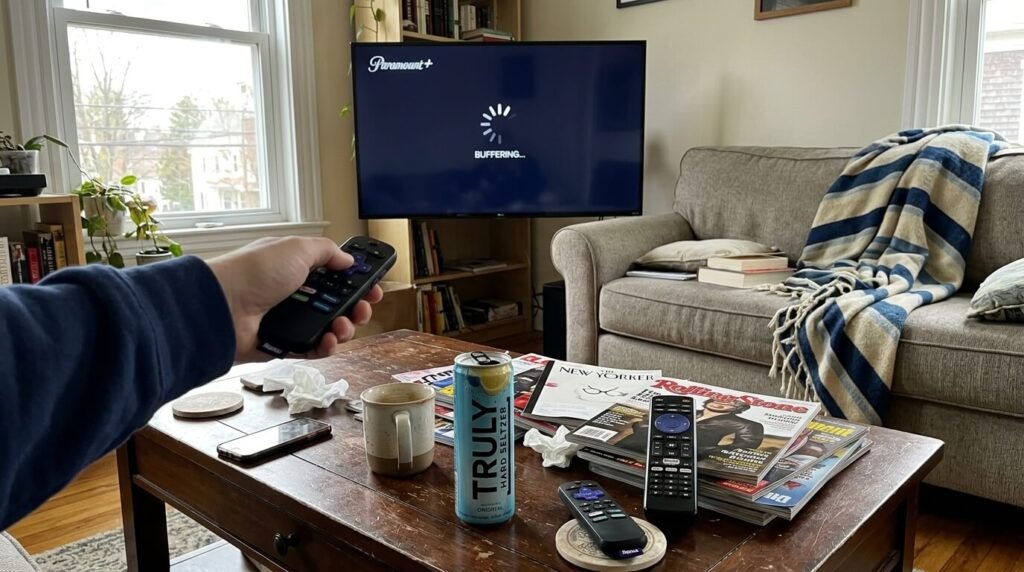
Stuff I Do Every Single Time Before Hitting Play (Faster Streaming on Any Device)
These became muscle memory after a while.
- Kill background bandwidth hogs. My wife’s work laptop auto-uploading photos to the cloud, the Ring doorbell doing its thing, the kid’s iPad streaming Roblox in the next room—I boot them all off the network temporarily when I really care about quality.
- Force Wi-Fi 5 GHz band if the device supports it. My router lets me name the 2.4 and 5 GHz networks separately now (called “HomeSlow” and “HomeFast” like a dork). Phones and TVs connect to the fast one way better.
- Use wired Ethernet whenever humanly possible. I bought a $12 flat 50-ft cable off Amazon and snake it along the baseboard under the rug to the TV. Zero buffering in 4K since then. Looks janky but works.
- Drop quality for five minutes if it’s really bad. I used to stubbornly stay at 4K and watch 30 seconds of show, 20 seconds of spinner. Now I’ll click down to 1080p, let it build a buffer, then creep back up. Feels like cheating but it’s way less frustrating.
Device Hacks I Actually Use (Not Just Read About)
Roku / Fire Stick / Apple TV Clear the cache religiously (on Roku it’s hidden in advanced settings). Turn off bandwidth-hungry features like “match frame rate” if it’s glitching. And move the stick closer to the router—those HDMI extenders or being behind the TV kill signal.
Phone / Tablet Airplane mode on then Wi-Fi back on resets the connection fresh. Download overnight when possible. And weirdly, turning off “Low Data Mode” in iPhone settings helped more than I expected.
Laptop / Desktop Chrome extensions are silent killers—uBlock Origin is great but some others chew CPU. Disable hardware acceleration in browser settings if playback stutters. Wired > Wi-Fi every time.
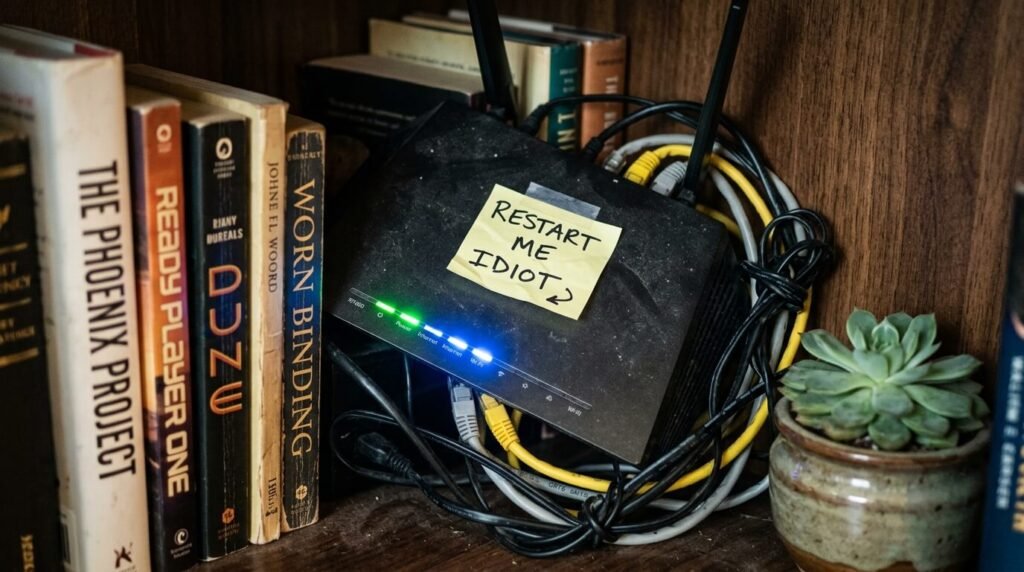
A Couple Deeper Tweaks That Were Worth the Hassle
- Switched DNS to Cloudflare 1.1.1.1 in the router admin page. Took ten minutes, cut my lookup lag noticeably on YouTube and Hulu.
- Turned on QoS and gave “video/streaming” priority. My router is nothing fancy (TP-Link Archer something) but it has this and it keeps Zoom calls from murdering movie night.
- Added a $40 Wi-Fi extender in the hallway. Bedroom streaming went from slideshow to smooth.
The Dumb Things I Did Before Figuring This Out
Bought a mesh system thinking it was the holy grail—didn’t help because I never changed channels or restarted anything. Paid for a higher tier plan for six months before realizing my ancient router couldn’t even use the extra speed Faster Streaming on Any Device . Tried streaming 4K over hotel Wi-Fi once on vacation… never again.
Faster streaming on any device is mostly about small, unsexy habits that add up. I still get occasional hiccups—internet isn’t magic—but it’s rare enough now that I don’t lose my mind anymore.
If you’re still fighting the spinny wheel, just try the restart + speed test combo tonight. It’s boring but stupidly effective. What’s your biggest streaming pain point right now? Hit me in the comments—I’m genuinely curious what everyone else deals with. Let’s commiserate and maybe steal each other’s fixes. Cheers to lag-free nights. 🍺📺